How to Use AI Voice Generators for Podcasts and Voiceovers

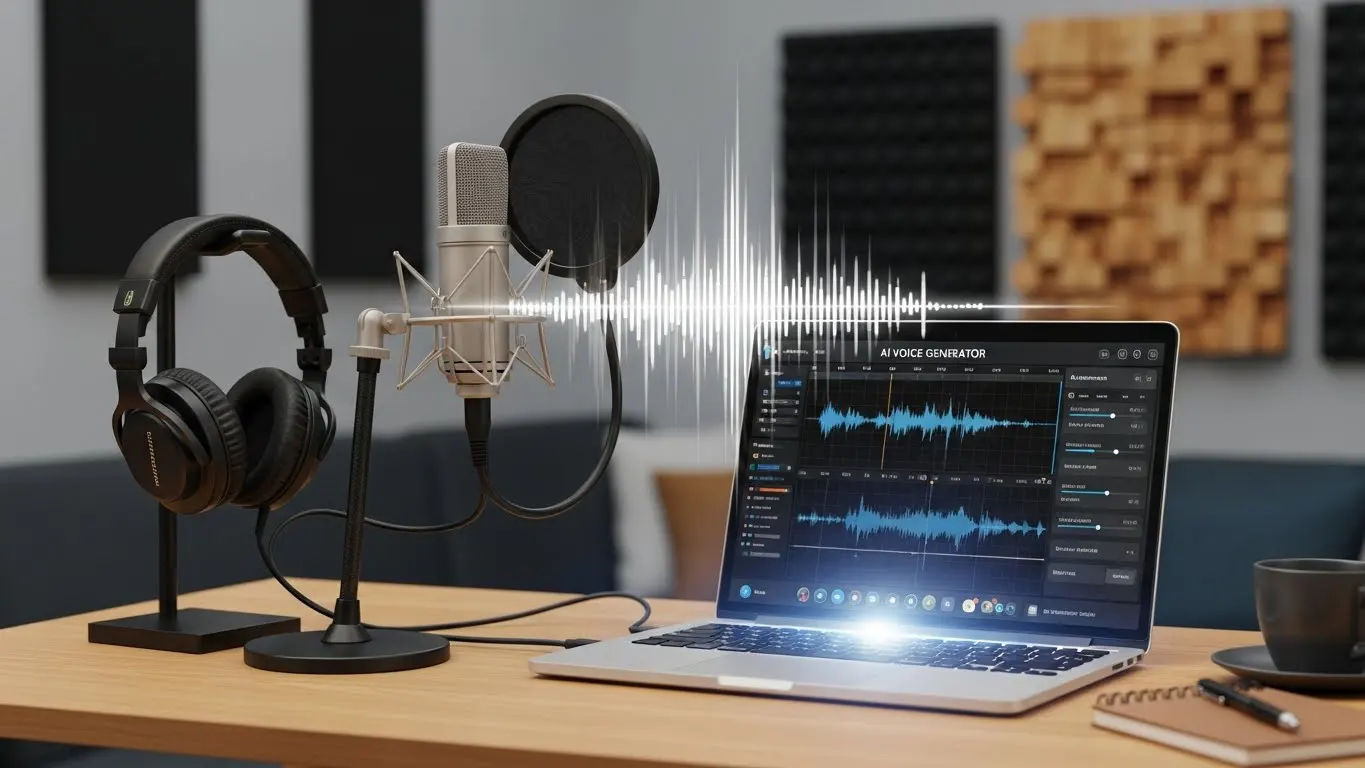
AI voice generator tools use advanced technology to instantly convert written text into human-like speech for podcasts, videos, and social media. These platforms help creators produce high-quality audio content quickly without the need for expensive recording equipment or professional voice actors.
Introduction
Let me ask you a question. Do you hate the sound of your own voice? Well, I don’t! And I’m sure it is the biggest hurdle for many people trying to launch a podcast or add narration to their videos. You spend hours recording, only to hear a dog barking in the background or realize you mumbled through the best part. It is frustrating. But that is exactly where AI voice generator tools come in to save the day.
These tools can change the way you work completely. They let you type out your script and get perfect audio in seconds. And no microphone is needed. Also, it’s good to know that the market for audio content is exploding right now. According to a major report by Edison Research, 47% of the U.S. population is now listening to podcasts each month. That is nearly half the country waiting to hear your content! You can’t afford to stay silent just because you don’t have a fancy studio.
In this guide, I will walk you through exactly how to use these AI voice generator tools to speed up your production. We will look at picking the right voice, editing the output, and making it sound totally human. Let’s do this!
Why You Should Switch to AI Voice Generator Tools
Look, I get it. There is something undeniably cool about hiring a professional voice actor. I used to do it all the time for my client projects. But let me be real with you for a second, it drains your wallet faster than you’d believe! When I first started my journey into digital marketing, I thought I had to pay top dollar for human talent to be taken seriously. But eventually, the math just didn’t add up.
If you are running a small business or trying to get a podcast off the ground, AI voice generator tools are going to be your best friend. The cost-effectiveness alone is undeniable. We are talking about the difference between paying hundreds of dollars for a 30-second recording vs paying a small monthly subscription for unlimited audio. These tools are much cheaper than hiring professional voice actors or renting studio time for every single episode. I have a friend who runs a small agency, and she told me she saved nearly five grand last year just by switching to AI for her explainer videos. That is money she put right back into other things to grow her business.
Another thing that drove me crazy with human actors was consistency. Humans get sick. They go on vacation. They have “off” days where their voice just sounds rough! With AI, you get this incredible consistency and branding benefit. You can have a consistent voice for your brand that never gets a cold, never sleeps, and always sounds clear. It’s reliable. I remember tripping over re-recording an intro because my voice actor caught the flu right before a launch! Total nightmare. Now, if I need a last-minute change, let’s say at 3 AM, the AI is awake and ready to work.
Then there is the speed of production. In the old days, I’d send a script out, wait three days for a draft, send back notes, wait another two days… you know the drill. It’s exhausting! But with AI voice generator tools, the speed is unbelievable. You can go from a written script to a finished audio file so quickly compared to traditional recording methods. It’s literally instant gratification. I can iterate on a script five times in an hour. If you are diving into AI content creation for beginners, this speed is what prevents burnout. You aren’t waiting on anyone else; you are the master of your own fate!
Finally, we have to talk about global reach. I used to think my content was just for English speakers, but then I realized I was leaving money on the table! The ability to translate and dub content into different languages using synthetic speech features is super convenient. I tested this recently by dubbing a short tutorial into Spanish. Did I speak Spanish? No! Did the AI handle it? Absolutely. It opened up a whole new demographic for my content without me needing to hire a translator and a new voice actor. It’s wild what technology can do these days.
How to Choose the Right Text-to-Speech Software
Picking the right software can feel a bit like dating! You have to kiss a few frogs before you find the prince. I have tested more platforms than I care to admit. Some were incredible, and some sounded like a robot stuck in a tin can!
The first thing you absolutely must check is voice quality and variety. You need to look for libraries with diverse accents, emotional tones, and realistic breathing pauses. If the voice doesn’t breathe, it sounds creepy. Trust me on this.
Customization features are where the magic happens. It’s not enough to just type text and hit “play.” You need control. Discussing the importance of being able to adjust pitch, speed, and emphasis is crucial to making the AI voice generator tools sound natural. I use a specific tool (I won’t name names, but it’s popular) that lets me tweak the pitch at the end of a sentence to make it sound like a question. That tiny detail makes the difference between a robot and a “person.” If you are looking for the best AI content creation tools, prioritize the ones that give you these little sliders and knobs.
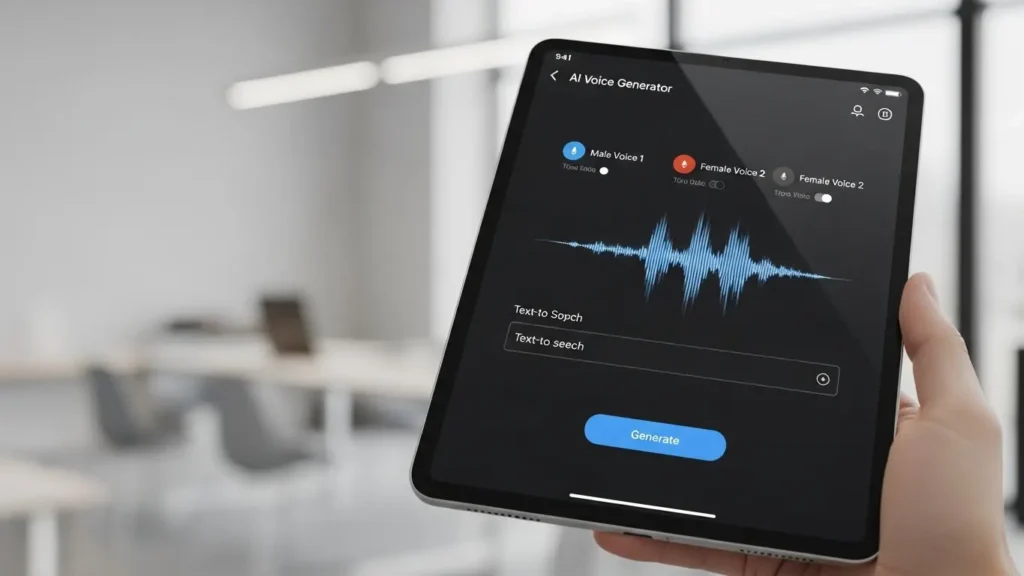
Now, this next part is boring but super important, and that is commercial rights. Do not skip this. Remind yourself to check if the platform offers commercial usage rights so you can monetize your podcasts or YouTube videos safely. I almost got into hot water a few years back because I used a “free” tool for a client’s commercial ad. Turns out, the license was for personal use only. I had to redo the whole thing. It was embarrassing! Even if you are hunting for the best free AI content tools, read the fine print. Usually, the free versions don’t let you use the audio for ads or monetized channels. It is worth paying a few bucks to be safe.
Lastly, let’s talk about the cloning capabilities. This is getting really popular. It’s basically for creators who want to use a digital version of their own voice. I tried this recently. I recorded about 10 minutes of myself reading a book, fed it into the machine, and boom, I had a digital “Me”! It’s great for fixing mistakes in a recording without setting up the microphone again. I should admit it’s a bit weird hearing yourself say things you didn’t actually say, but for scaling your personal brand, it is a powerful feature to look for.
Step-by-Step: Creating Your First AI Voiceover
Okay, let’s get our hands dirty! You have picked your tool, and you are ready to rock. But where do you start? I have guided dozens of clients through this, and the process is pretty similar regardless of the platform.
Step 1: Script Preparation. It all starts here. You can’t just copy-paste a blog post and expect it to sound good! A good voiceover starts with a well-formatted script, including punctuation that guides the AI on where to pause. AI reads punctuation literally. If you want a long pause, use an ellipsis (…) or a dedicated pause tag. If you want excitement, use an exclamation point! I actually spend more time formatting my script than I do generating the audio. When I am doing AI YouTube script writing, I write specifically for the ear, not the eye. I break up big paragraphs and add commas where I would naturally take a breath. It helps the AI flow better.
Step 2: Selecting the Voice. This is the fun part, auditioning! You need to walk through the process of auditioning different avatars to match the vibe of the content. For example, use a serious voice for news and an upbeat one for lifestyle content. Listen to samples. I usually type in a tricky sentence like, “The quick brown fox jumps over the lazy dog,” to see how they handle different sounds before committing.
Step 3: Inputting and Processing. Once you have your voice and your script, it’s time for the copy-paste process. But it’s rarely just “paste and pray”! You need to know how to use specific tags or blocks for dialogue handling. Some sophisticated tools allow you to assign different voices to different paragraphs. If your tool supports SSML (Speech Synthesis Markup Language), learn the basics. It gives you fine control over pronunciation.

Step 4: Exporting Audio Finally, you need to get that file out of the browser and onto your hard drive. You need to cover the different file formats like MP3 vs. WAV and quality settings suitable for podcast hosting platforms. Here is my rule of thumb. If it is a draft or just for internal review, MP3 is fine. It’s smaller and easier to email. But if this is going live on a podcast platform? Always export in WAV. It’s uncompressed, high-quality audio. You don’t want your beautiful AI voiceover to sound like it was recorded on a potato because you compressed it too much!
Tips to Make Your AI Audio Sound Human
This is the secret sauce. This is how you go from “obviously a robot” to “wait, is that a real person?” I have spent countless hours tweaking settings to fool my own ears, and here are the best tricks I’ve learned.
First up, phonetic spelling. AI is smart, but it can be dumb with names or acronyms! You have to show the tool how to spell out difficult names or acronyms phonetically so the AI pronounces them correctly. For example, I have a client named “Siobhan.” The AI butchered it every time! I had to type it as “Shi-vawn” to get it right. The same goes for company names. If you want it to say “S-E-O” instead of “See-oh,” you might need to type “S. E. O.” or “Ess Eee Oh.” Don’t be afraid to misspell words in the script if it makes them sound right in the audio.
Next, master the art of the pause. Silence is just as important as sound. If you just let the AI run through the text, it can feel like a race! I like to add a 0.5-second pause after a big reveal or a rhetorical question. It gives the listener’s brain a moment to catch up. It feels more conversational. Think about how you talk. You pause to think, right? So, mimic that.

Another pro tip is mixing with background music. This is the ultimate cheat code! Add a low-volume backing track to blend the audio and mask any tiny digital artifacts. Even the best AI voices have little “glitches” or metallic sounds now and then. A soft acoustic track or some lo-fi beats underneath can completely hide those imperfections. It acts like a glue that holds the production together.
Finally, look at your sentence structure. Writing for the ear is different than writing for the eye! If you write a sentence that is four lines long with five commas, the AI is going to struggle to make it sound natural. It will sound like a lecture. But short, punchy sentences often sound better when spoken by AI voice generator tools. So, chop it up and be direct.
FAQ
Q: Can I monetize videos using AI voice generator tools?
A: Yes, most premium tools grant commercial rights. However, you must check the specific terms of service for the plan you purchase. Free versions often restrict commercial use, so always read the fine print before publishing.
Q: Do AI voices sound robotic?
A: Not anymore. Modern AI voice generator tools use deep learning to mimic human speech and emotion. While some cheaper options might sound flat, high-end tools are often hard to distinguish from real human speech when set up correctly.
Q: Is it legal to clone someone else’s voice?
A: It is a legal grey area but generally considered unethical and risky without permission. Most reputable platforms require you to verify that you own the voice you are cloning. Always get written consent before creating a digital replica of another person.
Q: Which is better for podcasts, AI or a human voice?
A: It depends on your goal. Humans offer unique personality and improv. AI offers speed, low cost, and consistency. Some creators now use a hybrid approach, like using AI for intros, outros, and ad reads while recording the main host segments themselves.
Conclusion
Using AI voice generator tools is no longer just a futuristic idea. It is a practical reality for small business owners and creators. These tools allow you to scale your content production without burning out or breaking the bank. You can finally start that podcast you have been dreaming about!
Remember that the goal isn’t to trick your audience. It is to deliver great value in a format they enjoy. Start experimenting with different voices today. Play around with the settings. See what sounds best for your brand.
The technology is moving fast, so jump in now. Don’t let the fear of recording hold you back any longer. Your audience is waiting to hear from you, even if the voice they hear is a little bit unique!