Using AI Flashcard Generators to Memorize Information Faster

AI flashcard generators automatically create study cards from your materials and use spaced repetition to improve memory retention, helping you learn faster with less effort than traditional study methods.
Introduction
When I was younger, I decided to learn German. I spent way too much time taking notes, memorizing new words, highlighting textbooks until they looked like a rainbow, and still forgetting half of what I studied by the next day! Pretty frustrating, right?
Here’s the thing though. The problem wasn’t my memory. It was my method. And I’m not alone in this mess. Recent research from GitNux shows that learners typically forget about 50% of new information within just one hour, and only retain around 10% after three days without review. That’s basically throwing your study time out the window!
But the good news is I found something that actually works. AI flashcard generators changed the game for me and my clients. These tools don’t just make studying easier. They use science-backed techniques like spaced repetition and active recall to help your brain actually stick to the stuff you’re trying to learn. Plus, they do all the heavy lifting of creating the cards for you (which is a pain if you’ve ever done that traditionally!).
In this guide, I’m going to show you exactly how AI flashcard generators work, which ones are worth your time, and how to use them to memorize information way faster than you probably thought possible. Let’s do this!
What Makes AI Flashcard Generators Different from Regular Flashcards
Look, I spent way too many hours behind my laptop making flashcards the old-fashioned way. You know the drill. Trying to learn something new (in my case, new German words), writing it down, creating a new flashcard, and giving it all the details I need (translation, phonetic, image, etc). Then I’d realize I missed half the important stuff or made cards that were way too easy!
AI flashcard generators on the other hand, flip that whole process. Instead of you deciding what matters, the AI reads your materials and pulls out the key concepts automatically. I’m talking about uploading a PDF and getting a full deck ready to study in maybe two minutes. The first time I tried this with a 50-page document on marketing strategies, I honestly just stared at my screen! And it had picked out stuff I would’ve missed completely.
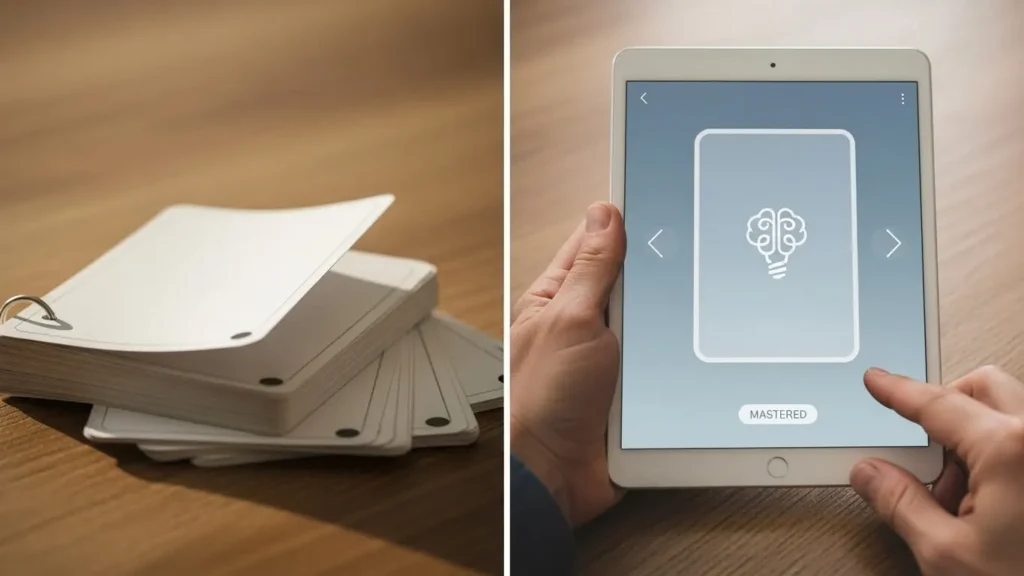
But here’s where it gets really interesting. These tools don’t just make cards; they schedule when you should review them using something called spaced repetition. Basically, the system figures out which cards you’re about to forget and shows them to you right before that happens. It’s way smarter than you think.
The science behind this is pretty solid. Your brain remembers things better when you have to actively recall them instead of just reading them over and over. So when how to use AI for studying comes up, this active recall piece is huge. The AI creates questions that force your brain to work, and that’s what actually builds memory.
I’ve tested this against my old manual method, and it’s not even close. What used to take me hours to prep now takes fifteen minutes, and I actually remember more. The AI doesn’t get tired or skip stuff because it’s boring! It just processes everything and hands you a deck that’s ready to go.
How AI Flashcard Generators Actually Work Behind the Scenes
Okay, so here’s what’s actually happening when you upload your content. The AI uses natural language processing (NLP) to read through your materials (PDFs, lecture notes, video transcripts, etc). It’s scanning for main ideas, definitions, important facts, basically anything that looks like it should be learned.
I remember uploading my first business plan document to test this out. The AI broke it down into question-and-answer pairs that made sense. It knew the difference between a header and actual content. It caught definitions. It even pulled out numbered lists and turned each point into its own card.
Now, not everything works equally well! PDFs with clear text are perfect. Textbooks, study guides, your own typed notes, all great. I’ve had mixed results with handwritten stuff or really complex diagrams. One time I tried to upload a scanned image of my messy whiteboard notes, and yeah, that was a disaster! The AI just couldn’t read my handwriting, which honestly, is fair enough.
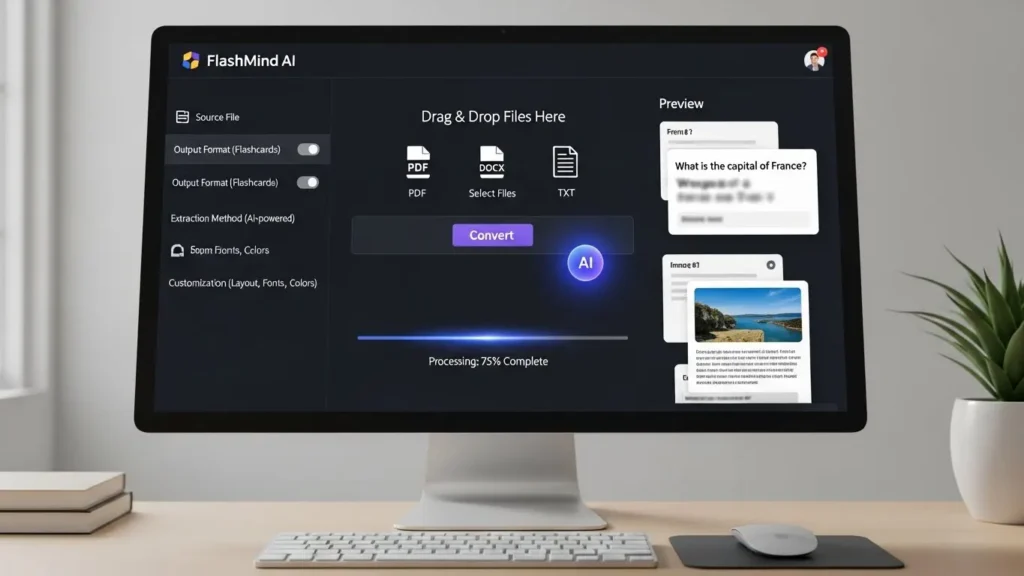
The algorithm that decides what becomes a flashcard is pretty smart. It looks for important patterns like text in bold, repeated concepts, and definitions with specific formatting. But sometimes it messes up! I’ve seen it create cards for random examples that weren’t really the point, or skip over something that seemed obvious but actually needed testing.
When it comes to scheduling your reviews, that’s where the spaced repetition algorithm kicks in. Every time you mark a card as easy or hard, the system adjusts. Cards you struggle with will come back sooner. Or ones you nail every time get pushed out further. An AI note-taking app can actually feed into this process if you’re taking notes that you then convert to flashcards.
And here’s my tip if you wanna get most of this technology. Give the AI the cleanest, clearest content you can. If your source material is organized with headers and bullet points, you’ll get way better cards. I learned this the hard way after getting a messy deck from a rambling PDF that had no structure!
The Best AI Flashcard Generator Tools to Try in 2026
I’ve tried a bunch of these, and honestly, they’re not all created equal. Let me break down what I actually think after all those tests.
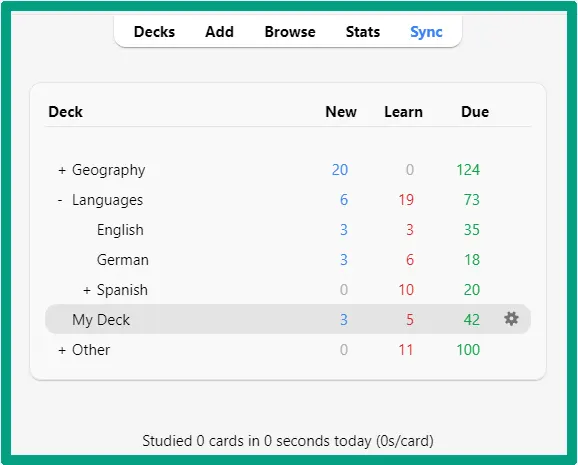
Anki is the one I keep coming back to. It’s been around forever, but now there are AI plugins that auto-generate cards from your content. The interface though, looks like it’s from 2005, not gonna lie! But serious learners love it because you can customize literally everything. And this was actually the first flashcard tool I used to learn a new language years ago. The learning curve however, is real. It may take a couple of weeks for some to figure out all the settings.
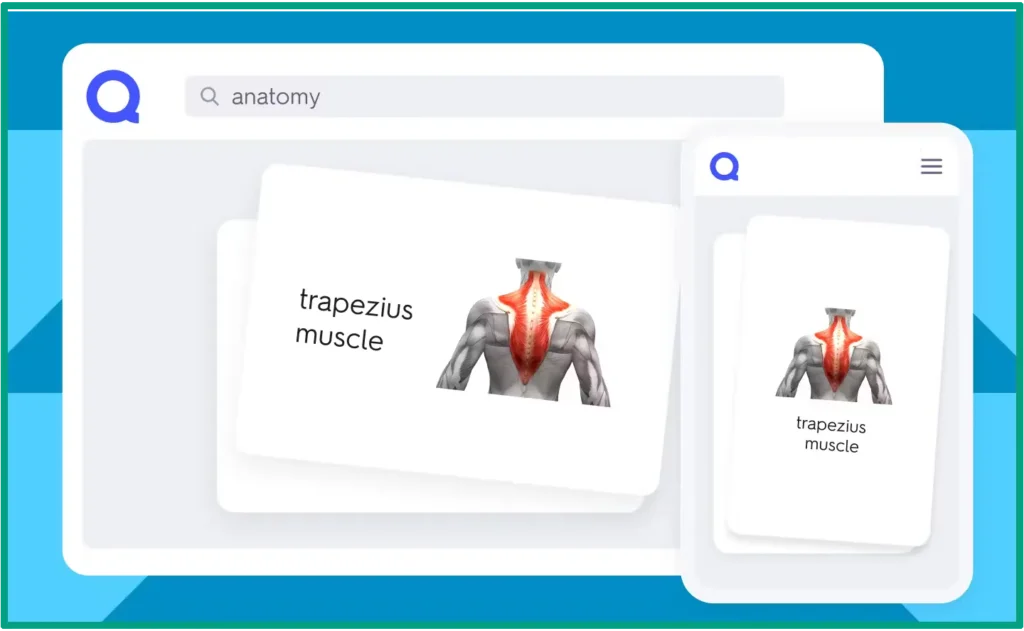
Quizlet added AI features recently, and it’s way more user-friendly if you’re just starting out. One of my colleagues loves it because her kids use it for school, and the whole family shares decks (which is also sweet). The AI isn’t as powerful as some others, but it’s quick and the interface makes sense right away. Plus, they have a huge library of pre-made decks if you want to skip the creation part entirely.
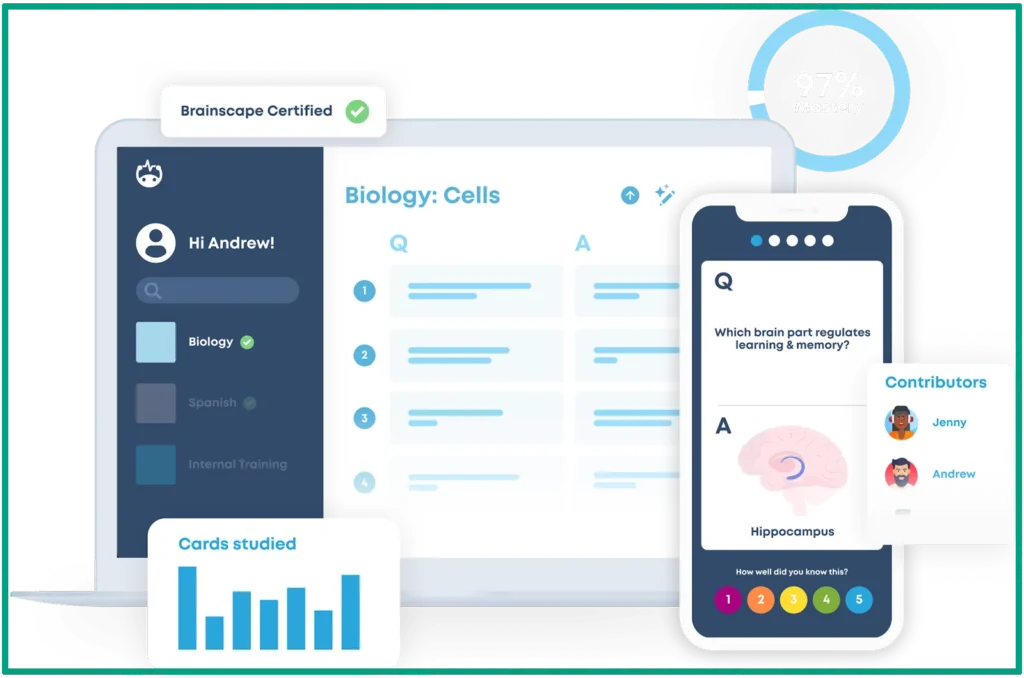
Brainscape is interesting because it uses this confidence-based repetition system! Instead of just marking cards right or wrong, you rate how confident you feel. I know someone who used it to study for a certification exam and said it helped her figure out what she actually knew vs what she just kinda-sorta remembered! The AI generation here is decent though, but some say it sometimes makes cards too simple.
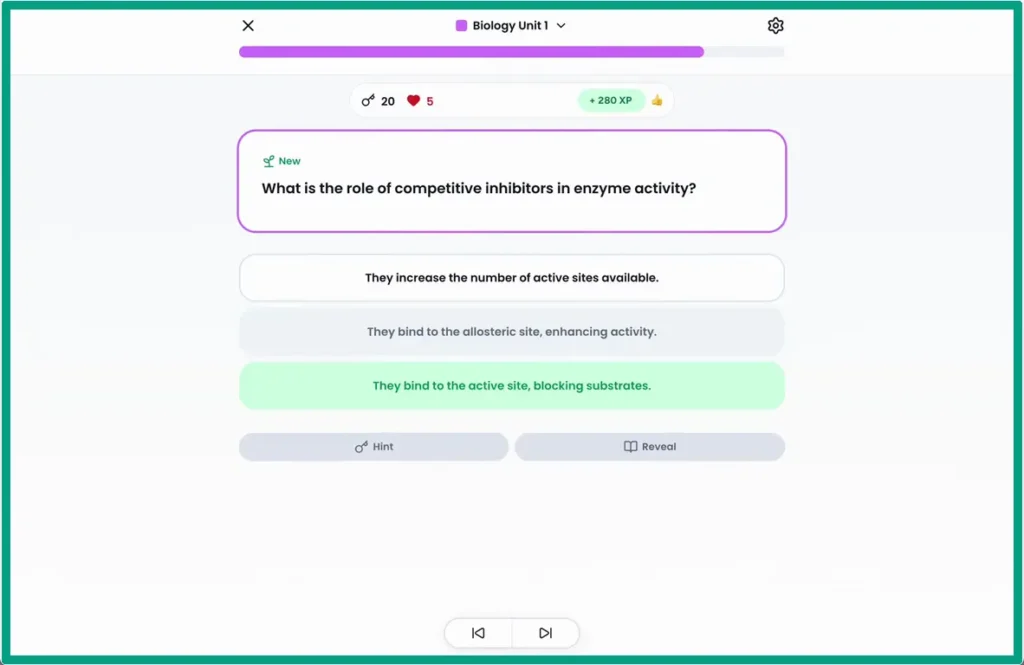
Then there’s Gizmo, which honestly makes studying feel less like studying. It’s like a game where you earn points, unlock levels, all that stuff! I just tested this a few times to see what’s what. But does it work? Yeah. Do you sometimes get distracted by trying to beat your high score? Also yeah! But for people who hate traditional studying, it’s a solid option.
Algor Education is more than just flashcards. It’s this whole learning system with AI tutoring, progress tracking, and study plans. I haven’t used it as much myself, but it’s popular with folks who want everything in one place. The flashcard generator is just one piece of it.

Now, when you’re looking at the best AI learning tools and trying to pick one, think about your learning style. Are you someone who wants control over every detail? Then go with Anki. Want something quick and easy? Quizlet is a solid choice. Or do you need motivation from game elements? Try Gizmo.
As for free vs paid, most tools have a free tier that’s honestly pretty good for basic use. I always ran on free versions for a while to test the platform. But if you’re a serious student or need features like offline access, image uploads, or advanced scheduling, the paid versions are worth it. We’re usually talking ten to twenty bucks a month, which beats paying for a tutor!
Getting Started: Creating Your First AI-Generated Flashcard Deck
Alright, let’s actually make a deck. First up, pick your source material. I’m talking PDFs, Word docs, your typed notes, even URLs to articles. But as I said before, it should be clean, well-organized content with clear sections. And how it shouldn’t be? Messy scans, pure images without text, or content that’s all over the place structurally.
Step two is uploading it to your chosen AI tool. Most of them have a simple upload button or a paste box. I usually upload PDFs for textbook chapters or paste in my notes from meetings. Takes like thirty seconds. The AI then spends a few minutes processing (reading through everything and deciding what matters).
But here’s where most people mess up, including me the first few times! You can’t just let the AI do its thing and assume it’s perfect. This step is all about reviewing and editing those generated cards. I once got a deck where the AI had created a card asking, “What is the definition of ‘MJ’?” because it couldn’t figure out MJ was my name in the context! So, you gotta go through and delete the weird ones, fix questions that don’t make sense, and add anything important it missed.
Setting up your spaced repetition schedule is step four. Most tools do this automatically, but you can usually adjust the settings. I keep mine at the default because, honestly, the algorithms know better than I do when I should review stuff. But for example, if you’re prepping for a test next week, obviously, you might wanna shorten the intervals.
Then just start studying! I try to do my reviews in the morning with coffee because my brain works better then. The tools will track your progress automatically. Things like how many cards you’ve mastered, what your streak is, and where you’re struggling. It’s actually pretty motivating to watch those numbers go up.

And remember, when the AI misses something important, just add it manually. I keep a running list on my phone of concepts I need to turn into cards. It only takes two minutes to create a custom card, and then it gets added to your rotation. Also, organize your decks by topic if you’re studying multiple subjects, if you wanna prevent the craziness of mixing things all together!
Last thing. The AI test prep tools category has gotten really good at this whole process, making it faster to go from source material to actual studying. But you still need to be involved in the review step. That’s not optional!
Study Strategies That Make AI Flashcards Even More Powerful
Okay, so you’ve got your deck. Now let’s talk about actually using it effectively. There’s this thing called the 2-3-5-7 method that I stumbled across and it actually works. You review new material after 2 days, then 3 days later, then 5 days, then 7 days. The spacing helps cement things in long-term memory.
But flashcards alone? That’s not enough, at least not for some people like me. You can combine them with mind maps for big-picture understanding and practice tests for application. The flashcards handle the memorization part (dates, definitions, key facts). And the other stuff helps to use that knowledge. It’s like, the best free AI study tools can get you the flashcards, but you need a complete study strategy around them.
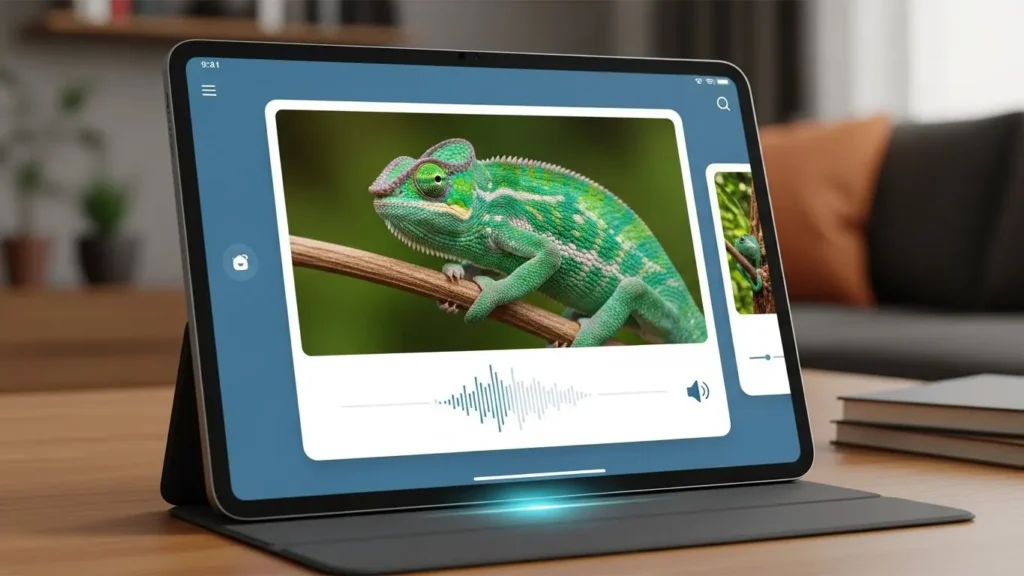
Adding images and audio to your cards makes a huge difference for retention. Instead of just text asking “What is photosynthesis?” throw in a diagram. Or for language learning, add audio clips. The more senses you involve, the better it sticks. I created a deck for remembering client names and faces by adding their photos to the cards! Worked way better than just memorizing names.
The biggest mistake people make with spaced repetition? They give up when they see a card they forgot! Look, that’s literally the point. You’re supposed to struggle with some cards; that’s how your brain learns. I used to get frustrated seeing the same hard cards over and over, but now I get it. Those are the ones I actually need to practice.
So, set daily goals you’ll actually stick to. I aim for twenty cards a day, which takes maybe ten minutes. Some people try to do a hundred cards and burn out after three days. Start small. Ten to twenty cards daily is totally doable, and you’ll actually stick with it long enough to see results.
FAQ
Q: Are AI flashcard generators better than making flashcards manually?
Yes, AI flashcard generators save time and use algorithms to schedule reviews based on memory science. They create cards in minutes from your materials, while manual creation can take hours. The spaced repetition scheduling also optimizes when you review each card for better retention.
Q: Can AI flashcard generators work for any subject?
Absolutely! AI flashcard generators work for languages, science, math, history, professional certifications, and more. They’re especially good for fact-based learning and vocabulary. But for complex problem-solving subjects, you might need to supplement it with practice problems.
Q: Do I need technical skills to use an AI flashcard generator?
Not at all. Most AI flashcard generators are designed for easy use. You just upload your study material (PDF, text, or video), and the AI does the rest. Basic computer skills are all you need to get started and see results quickly.
Conclusion
So yeah, AI flashcard generators aren’t magic! But they’re pretty close to it when you compare them to the old way of studying.
These tools take something that used to eat up hours of your time (making flashcards) and turn it into a few-minute task. Plus, they use actual science to make sure you’re reviewing stuff at exactly the right time to lock it into your long-term memory. That’s huge.
I’ve watched my own retention shoot up since I started using these tools. And the best part is, I’m spending way less time learning something new. It’s not about working harder. It’s about working smarter and letting AI handle the tedious stuff so you can focus on just the learning part.
If you’re still manually making flashcards or just re-reading your notes over and over, give an AI flashcard generator a shot. Start with a free tool, upload some study material, and see what happens. I think you’ll be surprised at how much faster you can actually memorize information when you’ve got the right system backing you up.