AI Study Planners: Create Personalized Study Schedules in Minutes

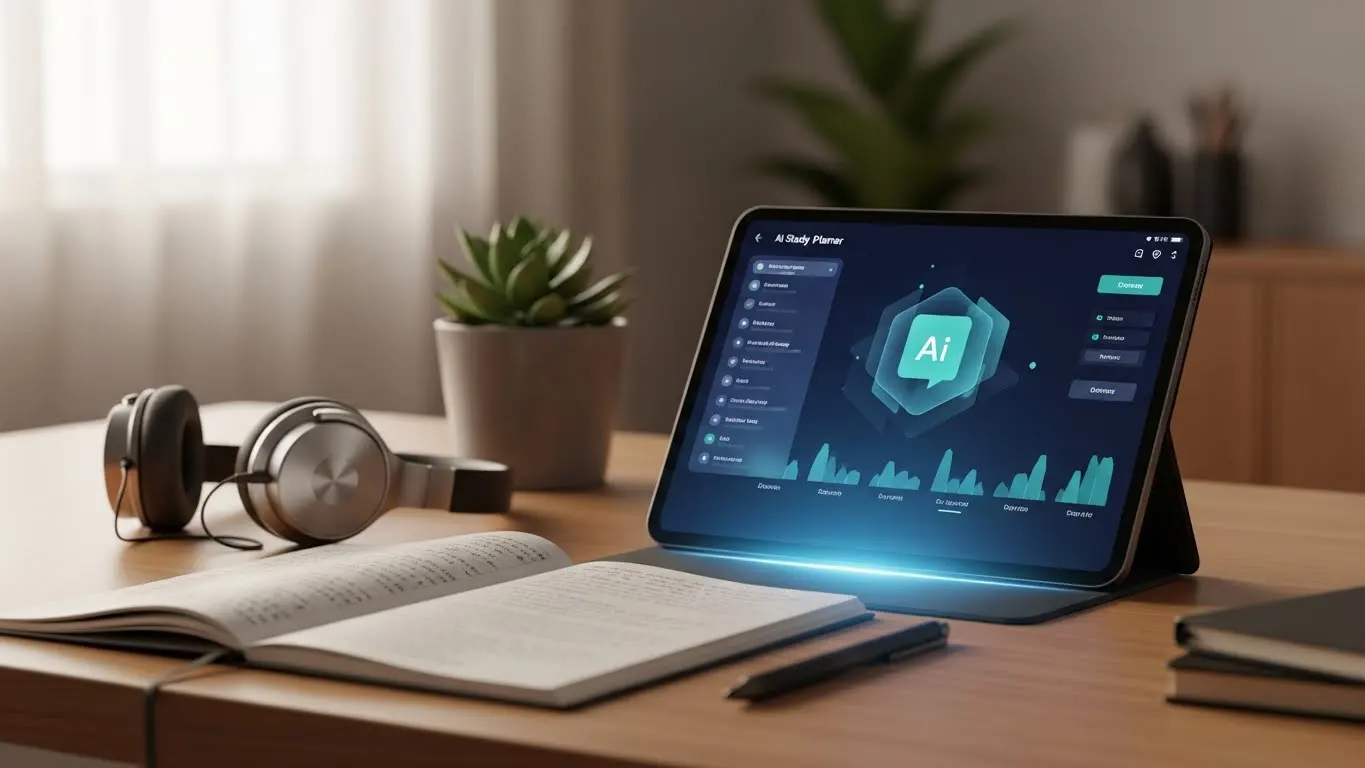
AI study planners use machine learning to build personalized study schedules in minutes. It automatically adapts to your learning pace, exam dates, and availability while allowing you to track progress and suggesting the best review times.
Introduction
Look, I know sometimes planning a study schedule can eat up more time than actual studying! You’d spend hours color-coding calendars and mapping out topics, only to fall behind by day three. Been there, done that, got the guilt trip to prove it!
But here’s where things get interesting. Recent data from HEPI (the Higher Education Policy Institute) shows that 92% of students now use AI tools for study, jumping from 66% in 2024. That’s a HUGE shift in just 12 months!
AI study planners are basically changing how we approach learning. These tools don’t just give you a generic template and wish you luck. They actually learn your patterns, figure out when you’re most productive, and build schedules around your real life (you know, the one with work, friends, and the occasional Netflix)!
In this guide, I’m going to show you how these tools work, which ones are worth trying, and how to set one up so you’re actually studying smarter instead of just planning harder. Let’s do this.
What Makes AI Study Planners Different From Regular Calendars
Look, I know enough students who told me they love their color-coded Google Calendar. Every Sunday night, they’d block out study time for the week like they were some kind of productivity geniuses. Then Monday would hit, and by Tuesday afternoon, they’d already blown half their schedule because that chemistry chapter took way longer than they thought!
But here’s the thing that no one took into account. Regular calendars don’t care if you’re struggling with quadratic equations or crushing through vocabulary lists! How to use AI for studying completely changed my perspective because AI study planners actually watch how fast you learn stuff and adjust on the fly. If you’re flying through Spanish verb conjugations, the AI notices and gives you less time there. But if organic chemistry is kicking your butt! Well, it automatically adds more review sessions without you lifting a finger.
The difference between static schedules and dynamic planning is huge. A regular planner is basically a fancy to-do list! You write “study biology 2-4pm” and hope for the best. On the other hand, an AI study planner uses spaced repetition algorithms (basically the science of forgetting and remembering at the perfect times). It tracks which topics you nail on the first try and which ones need to see you again in three days, then a week, then two weeks.

What really sold me was the automatic adjustments. I had a major project deadline pop up last month, and I just marked those days as busy. My AI planner reshuffled everything else without me playing calendar Tetris for an hour! It pushed back less urgent review sessions and front-loaded the critical stuff I needed the most.
Plus, these tools track your actual progress, not just your intentions. Regular calendars don’t know if you actually studied during that blocked time or just scrolled TikTok! AI planners often include check-ins or completion tracking, so they know what you’ve covered and what’s still hanging over your head.
Traditional planning falls short the second things get complicated. Multiple exams? Different subject difficulties? Some topics you learned last year vs brand new material? It’s obvious a paper calendar or basic app just can’t handle that complexity. You end up either over-studying easy stuff or under-preparing for the hard things! And honestly, who has time (or care) to manually rebalance their study schedule every time something changes?
How AI Study Planners Actually Build Your Schedule
The setup process is actually pretty straightforward, which surprised me at first. Most AI study planners start by asking you to dump in all your important dates (exams, project deadlines, presentations, whatever’s stressing you out). Then you tell it how much time you realistically have to study each week. And I mean realistic, not the fantasy version where you study six hours every day!
I asked my niece to test one of these tools once, and I remember when she first set hers up. She also had to rate how confident she felt about each subject. Like, pre-calculus? Maybe a 4 out of 10. English literature? Solid 7. That confidence rating helps the machine learning figure out where to focus your energy. Some tools also let you mark certain subjects as higher priority, like if you absolutely need an A in biology to keep your scholarship.
The machine learning part is where it gets interesting. The algorithms look at your entire course load and start doing math behind the scenes. It’s analyzing things like how many topics you need to cover, how much time until each deadline, and what order makes sense based on dependencies. Like, you can’t really study mitosis before you understand cells, right?

And here’s something interesting that I didn’t know. The spacing algorithms aren’t just random. They’re based on actual memory research about when your brain is most likely to forget information. The AI schedules your first review pretty soon after learning something new, maybe a day later. Then if you nail it, the next review might be in three days. Get it right again? Maybe a week, and so on. It’s building stronger long-term memory instead of packing everything the night before!
But the coolest part is this. These planners start learning YOUR patterns over time. My niece’s planner figured out that she’s basically useless for anything requiring deep focus after 8pm! So it started scheduling easier review sessions and practice problems for evenings, saving the heavy lifting for my morning and early afternoon blocks. She never explicitly told it that; it just noticed she was consistently performing worse on late-night study sessions. That’s why we call these tools “AI”, right?
And here’s my last point. We all know that sometimes life gets messy, which is why you should stick with AI planning. For example, you might get sick for four days and miss a bunch of planned study time. Instead of panicking and trying to figure out what to cut, you just need to log back in! The AI had already reshuffled everything, spreading the missed sessions across your remaining available days and adjusting the priority levels. Some less critical blocks got pushed back, urgent exam preps got squeezed into more slots, and it somehow still felt doable. It’s that simple!
Top AI Study Planner Tools You Can Start Using Today
Okay, so there are a bunch of platforms out there, and I’ve tested some of them. The big names that keep popping up are Shovel, Quizlet’s new AI features, Studyable, and Synthesis. Each one has a slightly different vibe and approach.
Shovel is probably the biggest name among others. It’s got this clean interface, and the AI recommendations feel pretty spot-on. But a colleague of mine swears by Synthesis. She says it’s better for visual learners because it uses games to teach kids to learn math. Studyable is the one I tested to see what’s what, and honestly, it was solid for the best AI learning tools category because it combined AI study assistance features with flashcard generation.
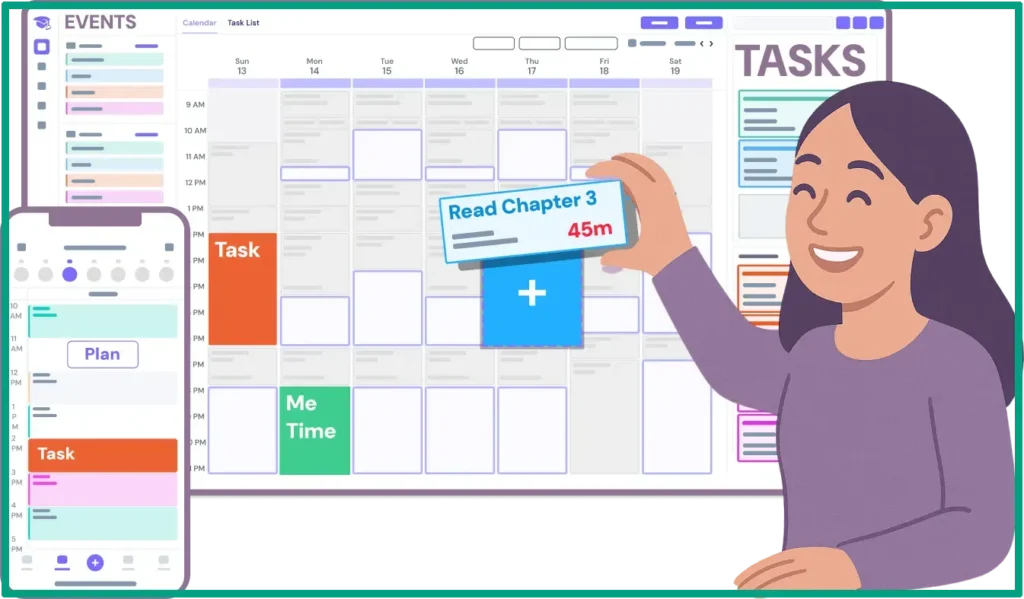
Now, let’s talk about the free vs paid for a second. Most tools give you basic AI scheduling for free, which is honestly enough for a lot of people. You can input your classes, get a study plan, and track your progress. But the paid tiers usually unlock stuff like unlimited subjects, advanced analytics showing exactly which topics you’re weak on, and integration with other apps. So, it all depends on your needs and use cases.
If you’re into visual learning, look for tools with calendar views, progress charts, and color-coding options. I’m a visual person, so seeing my week laid out with different colors for each subject helps my brain actually process what’s coming up. For auditory learners, some platforms integrate with tools that can read flashcards aloud or connect to podcast-style study content.
Integration features matter more than I thought they would. For example, if your AI planner syncs with Google Calendar, your study blocks show up alongside your work or social plans. Some tools connect with Notion, which is huge if you’re already managing notes there. A few even integrate with AI test prep tools specifically designed for standardized tests, pulling in practice questions and scheduling them at optimal intervals.
Mobile app availability is very important for me. I need to check my plan while I’m grabbing coffee or doing something else! Most of the popular AI study planners have decent mobile apps, but a few are still web-only, which feels pretty limiting. But how about offline functionality? It can be a lifesaver when you’re studying in a library basement with no wifi. Some apps let you download your schedule and other materials so you’re not stuck staring at a loading screen!
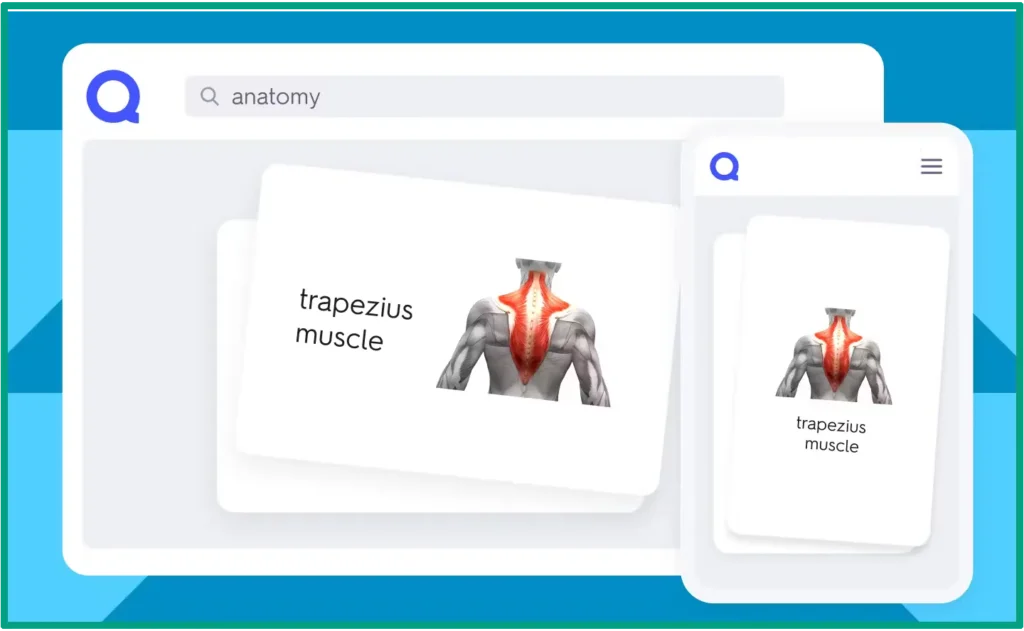
For anyone hunting for the best free AI study tools, start with the free tiers of Quizlet and Studyable. They’re both legit enough to get you through a semester without paying anything. If you’re serious about a specific exam and have a budget, the premium features are usually worth it.
Setting Up Your First AI Study Planner (Step-by-Step)
Choosing the right tool honestly depends on what you’re studying and how your brain works. If you’re prepping for one massive exam, look for platforms strong in that specific area (some tools are killer for the SAT or GRE but kinda meh for regular coursework). If you’re juggling multiple classes, pick something that handles complex schedules without making you feel overwhelmed.
The initial setup takes maybe 20-30 minutes if you do it right. Don’t rush this part. Start by adding all your courses or subjects. Then input every deadline you know about (exams, quizzes, project due dates, presentations). Be thorough here because the AI builds everything around these anchor points.
Next up is the time blocks. This is where people mess up by being too optimistic! Be honest about how many hours you can actually study per day. For example, you can put in two hours on weekdays and maybe four on weekends, assuming that you might have a job and, you know, need to sleep and eat. Some tools ask you to mark your most productive hours, so the AI knows when to schedule those important subjects.

Fine-tuning your preferences is crucial. For example, you can set your study session length to 45 minutes with 10-minute breaks if that’s your sweet spot. Some people do better with 25-minute Pomodoro sessions, which is totally fine. You’ll also need to set your review frequency preferences. Like when to review tough topics more often and easier stuff less frequently.
The testing phase during your first week is make-or-break! Actually follow the schedule the AI creates, even if it seems weird at first. Track what feels good and what doesn’t. Are the sessions too long? Are you getting enough review time? Is it scheduling your hardest subject when your brain is already fried? Most AI planners let you give feedback, which helps them learn faster.
Oh, and it’s a good idea to set up your calendar integration first, which means no double-bookings nightmare! Do that during initial setup, not three weeks in when you’ve missed half your study sessions because of conflicts.
Getting the Most Out of Your AI Study Planner
Learning to trust the system might take you a while! You might keep second-guessing the AI’s recommendations and manually moving things around because you’re telling yourself, “I knew better.” Spoiler, you don’t! The algorithm is scheduling review sessions at scientifically optimal times, and you might be messing that up by following another path.
So, here’s the balance. You can’t just blindly follow everything either! The best AI homework helper approach is letting the AI handle the when and how often, while you stay in charge of the bigger picture. If the AI schedules chemistry during your weekly team meeting, yeah, override that. If it wants you studying Saturday morning but that’s your only time to decompress, then adjust it. The AI is smart, but it’s not psychic about your personal life!
Tracking what’s working is simpler than it sounds. Most AI planners have built-in analytics, but you can also keep a super basic note on your phone. After each study session, just write down if it felt productive, too long, too short, or if you were distracted. After a week or two, patterns emerge. Maybe afternoon sessions are consistently garbage for you, or maybe you’re nailing review sessions but struggling with new material.
Using that progress data to improve your habits is where the magic happens. My AI planner showed me that I was spending way too much time reviewing stuff I already knew! I was getting comfortable dopamine hits from easy flashcards instead of wrestling with the hard concepts. Once I saw that data, I adjusted my preferences to skip reviewing the unnecessary and free up time for weaker areas.
Now, the question is, when should you override the AI? A few situations come to mind. If you’re genuinely exhausted, skip the session and let the AI reschedule. If you have a massive life event (job interview, family emergency, whatever), mark those days as unavailable and let the system adapt. And if you’re studying with a group, you’ll need to manually adjust to coordinate schedules. Most AI planners aren’t quite smart enough to factor in other people’s availability yet!
The thing is, AI study planners work best when you use them consistently, but not religiously! They’re tools, not magic. Feed them good information about your actual life and performance, trust their scheduling logic for the most part, and override when common sense says you should. That’s the sweet spot where technology actually makes your life easier instead of just adding another thing to manage.
FAQ
Q: Do AI study planners really work better than making my own schedule?
A: Yes, for most people. AI planners adapt to your actual progress and learning patterns in real-time, something manual schedules can’t do. They also use proven techniques like spaced repetition without you having to calculate intervals yourself.
Q: Can AI study planners handle multiple subjects and exams?
A: Absolutely. That’s where they shine. AI planners can juggle multiple courses, weight them by difficulty or credit hours, and automatically balance your study time across all subjects while prioritizing upcoming deadlines.
Q: What if I miss a scheduled study session?
A: Good AI study planners automatically reschedule missed sessions and adjust future plans to keep you on track. They don’t just shift everything back; they intelligently redistribute the material based on your remaining time.
Q: Do I need to know anything about AI to use these tools?
A: Not at all. AI study planners are built for students, not tech experts. Setup is usually straightforward. All you have to do is add your courses and exams, pick your available times, and let the AI handle the complex stuff behind the scenes.
Conclusion
So here’s the thing about AI study planners. They’re not magic, but they’re pretty close to it!
I’ve seen these tools save students hours every week, the kind of time they used to waste tweaking color-coded spreadsheets that fell apart anyway! And here’s the best part. You set it up once, tell it your goals, and it figures out the rest. Plus, it actually learns from how you study and gets better over time.
Sure, you’ll need to trust the process a bit at first. That means following the schedule even when your brain says something like, “but I want to study that other thing right now.” But once you see how spaced repetition actually helps stuff stick, or how those suggested break times keep you from burning out, you’ll get it.
Start with a free tool, give it two weeks, and see what happens. I think you’ll be surprised at how much more you get done when you’re not spending half your energy just planning what to study next. Besides, if 92% of students are already using AI for their studies, maybe it’s time to see what others are excited about!